
The Top 12 Best 3D Modeling Programs for Production Teams in 2025
Choosing the right 3D modeling program is a critical decision that defines the capabilities, efficiency, and creative output of any production pipeline. From blockbuster visual effects and intricate technical animations to photorealistic product visualisations, the software at the core of a studio's workflow must align perfectly with project goals, team skills, and budget constraints. The challenge isn't just about features; it's about finding the tool that seamlessly integrates into your team's creative and technical processes, enabling you to deliver exceptional work without friction.
This comprehensive guide moves beyond surface-level lists to provide a detailed, agency-focused analysis of the top 12 3d modeling programs available today. We will explore the practical strengths and weaknesses of each option, dissect ideal use-case scenarios for industries ranging from broadcast media to medical technology, and offer insights into building robust production pipelines. For teams like ours at Simple Frame, where we create everything from complex industrial explainers to compelling brand films, making an informed software choice is the foundation of our success. The right software not only enables creativity but also ensures visual fidelity, a key factor when dealing with challenges like addressing the uncanny valley in furniture renders, where realism is paramount.
Each entry in our list provides a focused breakdown covering:
- Ideal Use-Cases: Who is this software built for?
- Key Features & Limitations: An honest assessment of what works and what doesn't.
- Pricing & Licensing: Understanding the total cost of ownership.
- Learning Curve & System Requirements: Practical considerations for implementation.
- Plugin Ecosystem & Interoperability: How well it plays with other tools.
This resource is designed to help your studio or marketing team navigate the complex landscape of 3D creation tools and select the software that will truly empower your projects. Let's delve into the options that can elevate your creative team's output.
1. Autodesk Maya
Autodesk Maya is a cornerstone of the 3D industry, particularly for character animation, rigging, and complex visual effects. As one of the most comprehensive 3D modeling programs available, its extensive toolset makes it the de facto standard for major film, television, and AAA game development studios. Its power lies not just in its feature set, but in its profound pipeline integration capabilities.
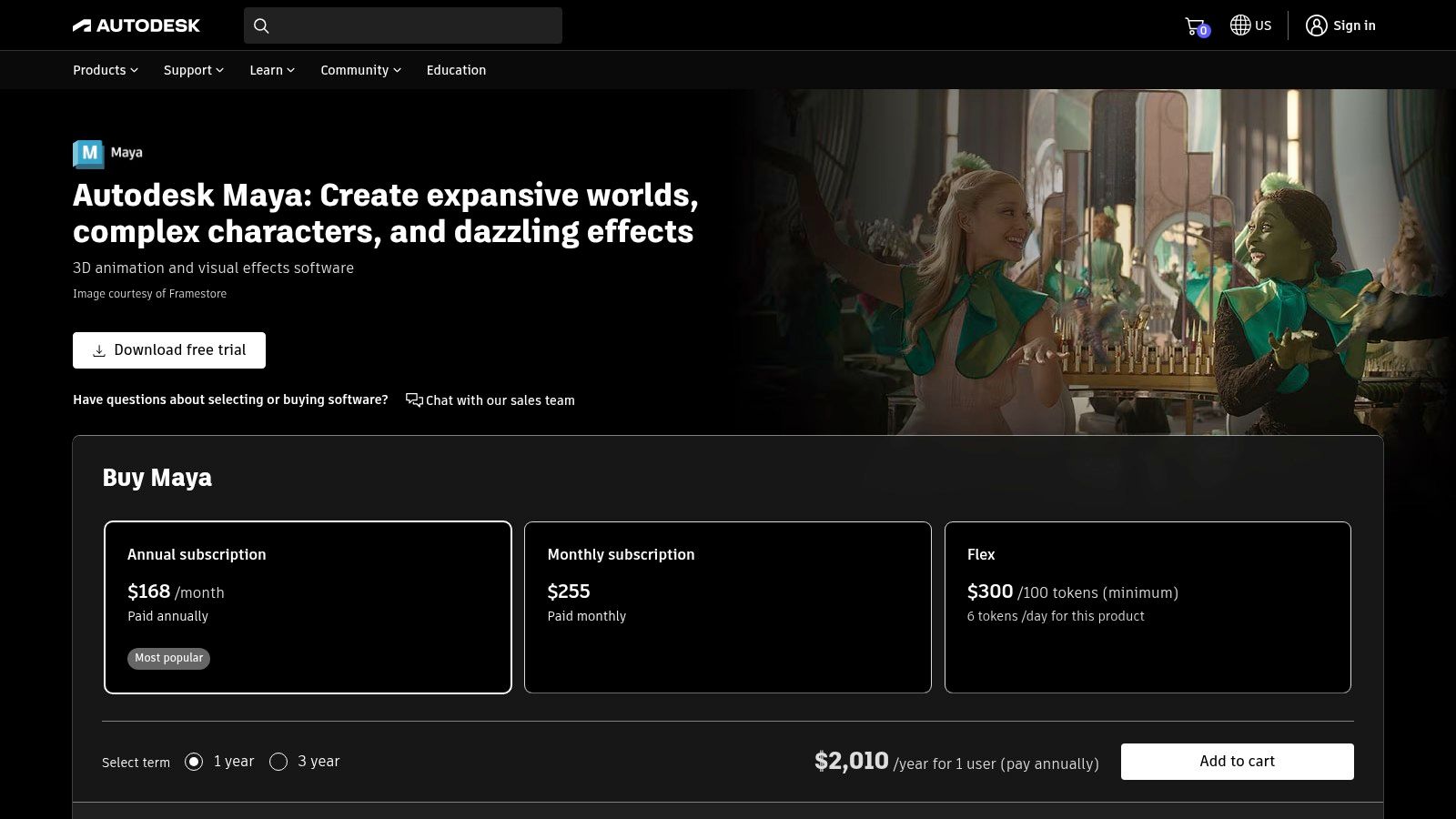
For production teams, Maya's customisation through Python and MEL scripting allows for the development of bespoke tools and automated workflows, a critical factor for large-scale projects. This customisability, combined with robust support for standards like USD and its seamless integration with renderers like Arnold and management tools like ShotGrid, cements its position as a pipeline linchpin.
Key Considerations & Use Cases
Maya's strength is most evident in character-centric productions. Its rigging and animation tools are considered best-in-class, providing the granular control needed for believable performances. The Bifrost procedural effects environment is another standout, enabling the creation of sophisticated simulations like fire, smoke, and liquids directly within the application.
- Ideal Use-Cases: Character modeling, rigging and animation; cinematic visual effects; high-end game asset creation; complex procedural simulations.
- Licensing: Subscription-only. A monthly subscription costs approximately £252, while an annual plan offers better value at around £2,010. A 3-year plan provides the most significant savings.
- Learning Curve: Its extensive feature set presents a steep learning curve. New users should expect a significant time investment to achieve proficiency.
- Ecosystem: Benefits from a vast ecosystem of third-party plugins, scripts, and a large global talent pool, simplifying recruitment for specialised roles.
Website: https://www.autodesk.com/products/maya/overview
2. Autodesk 3ds Max
While Maya dominates character animation, Autodesk 3ds Max has carved out its own indispensable role in architectural visualisation, product design, and motion graphics. It is revered for its powerful and intuitive polygonal modelling toolset, particularly its extensive modifier stack, which allows for a non-destructive workflow that is incredibly efficient for iteration. This makes it one of the most productive 3d modeling programs for hard-surface and environmental asset creation.
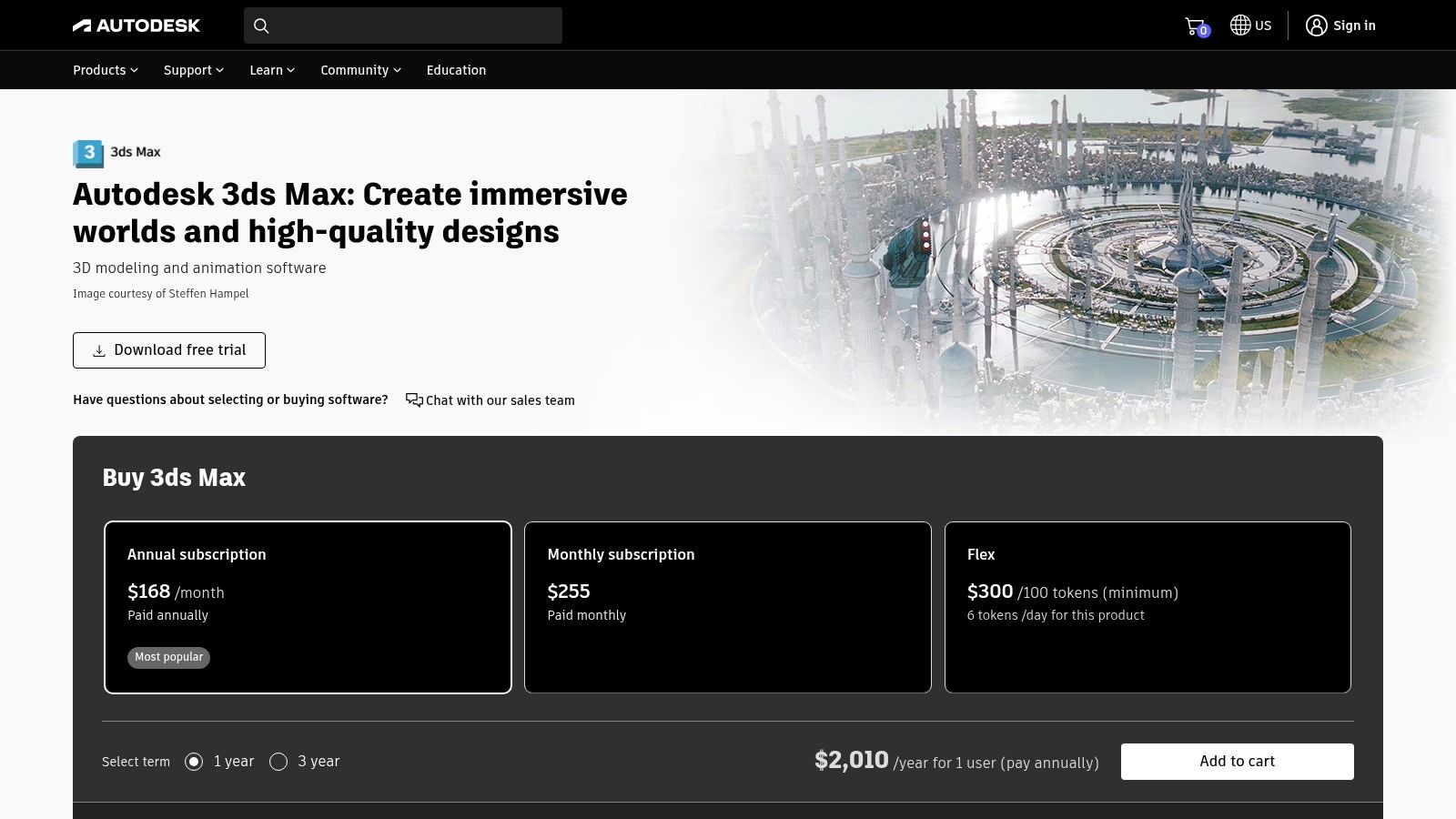
For production teams in the architectural and engineering sectors, 3ds Max offers superior interoperability with CAD software like Revit, AutoCAD, and Inventor. This tight integration streamlines the process of turning technical plans into photorealistic renders and animations. Its vast third-party plugin ecosystem, featuring renderers like Corona and V-Ray, further solidifies its position as the go-to tool for high-fidelity architectural and product explainer video pipelines.
Key Considerations & Use Cases
3ds Max excels in workflows where speed and precision in modelling are paramount. Its modifier-based approach and robust spline tools allow artists to quickly model complex objects, from detailed building exteriors to intricate product prototypes. The software's performance with high-polygon scenes also makes it a favourite for large-scale environmental design in both games and film.
- Ideal Use-Cases: Architectural visualisation (archviz); product design and prototyping; hard-surface modelling for games; motion graphics and broadcast design.
- Licensing: Subscription-only. A monthly subscription is approximately £252, with an annual plan at around £2,010. A 3-year plan is also available for greater savings.
- Learning Curve: Moderately steep. While more intuitive for modelling than Maya, mastering its deeper functionalities and extensive plugin library requires significant time.
- Ecosystem: Supported by one of the largest and oldest communities and plugin markets, offering endless tools and pre-made assets, especially for archviz.
3. Blender
Blender has evolved from a niche open-source project into a powerhouse digital content creation suite, rivalling many of its commercial counterparts. As a completely free and open-source platform, it provides a comprehensive toolset for modelling, sculpting, animation, and rendering, making it one of the most accessible yet powerful 3d modeling programs available. Its rapid development cycle and passionate community have propelled it into professional pipelines across various industries.
The platform’s strength lies in its all-in-one nature. With integrated tools like the Cycles and Eevee renderers, a full compositor, the versatile Grease Pencil for 2D animation in a 3D space, and the powerful Geometry Nodes system for procedural workflows, Blender eliminates the need for multiple software subscriptions. This integration makes it an exceptional choice for independent artists, small studios, and even larger organisations looking to build a flexible and cost-effective production pipeline for an animated brand video.
Key Considerations & Use Cases
Blender's versatility makes it a viable tool for almost any 3D task. Its sculpting tools are robust for character and organic modelling, while its hard-surface modelling capabilities are equally strong. The introduction of Geometry Nodes has unlocked advanced procedural generation, making it ideal for creating complex environments and motion graphics. Its built-in renderers, Cycles (path-traced) and Eevee (real-time), offer incredible flexibility for final output.
- Ideal Use-Cases: Independent game development; motion graphics and visual effects; product visualisation; architectural pre-visualisation; character creation and animation.
- Licensing: Free and open-source (GPL). There are no subscription fees or licensing costs, making it accessible to everyone.
- Learning Curve: The interface can be intimidating for absolute beginners, but a vast amount of free community-driven tutorials makes the learning process highly accessible.
- Ecosystem: A massive and active community provides an extensive library of free and paid add-ons, expanding its core functionality to suit specialised workflows.
Website: https://www.blender.org/download/
4. Maxon Cinema 4D
Maxon Cinema 4D has carved out a commanding presence in the motion graphics and broadcast design industries, lauded for its artist-friendly workflow and intuitive user interface. It is often celebrated as one of the easiest professional 3D modeling programs to learn, allowing designers to achieve stunning results quickly. Its power is particularly evident in its legendary MoGraph toolset, a procedural system that simplifies the creation of complex animations and abstract effects.
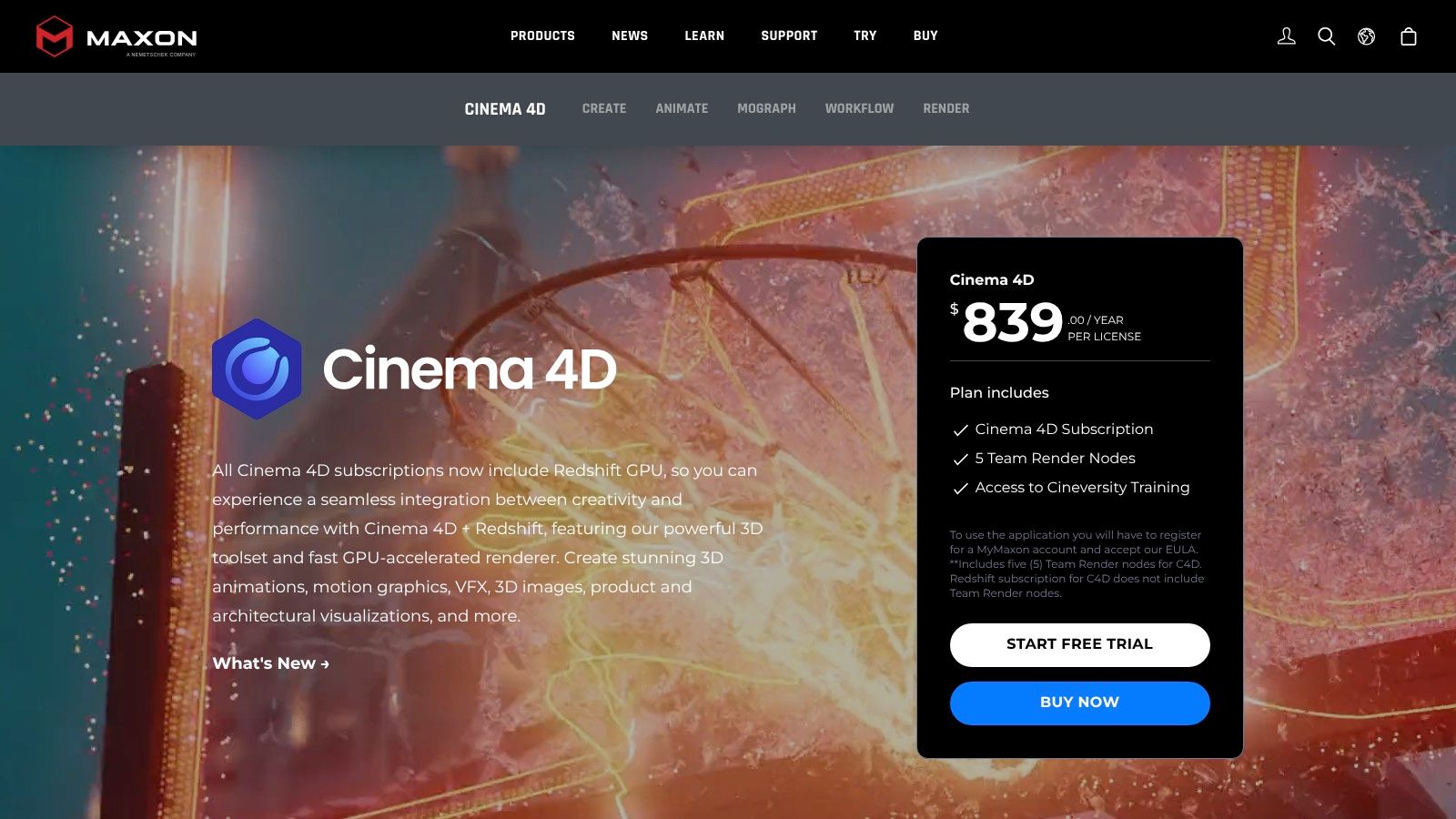
For production teams, especially those working alongside video editors and compositors, Cinema 4D's tight integration with the Adobe ecosystem (particularly After Effects) is a major advantage. The inclusion of the powerful Redshift GPU renderer with subscriptions provides a production-ready rendering solution out of the box. This combination makes it an efficient, all-in-one package for agencies and studios focused on fast-turnaround broadcast and advertising content.
Key Considerations & Use Cases
Cinema 4D excels in environments where speed, stability, and creative flexibility are paramount. The MoGraph feature set is unparalleled for creating everything from dynamic typographic animations to intricate data visualisations. Its unified simulation system allows artists to create realistic cloth, soft bodies, and rigid bodies that interact seamlessly, all within a comprehensible framework.
- Ideal Use-Cases: Motion graphics, broadcast design, advertising, product visualisation, abstract and procedural art.
- Licensing: Subscription-only. A monthly subscription is approximately £96, with an annual plan costing around £791. Perpetual licences are no longer offered for new versions.
- Learning Curve: Widely considered to have one of the most accessible learning curves among professional 3D packages, supported by extensive training resources.
- Ecosystem: Strong integration with Adobe After Effects, Illustrator, and Unreal Engine. A robust plugin market offers specialised tools for various production needs.
Website: https://www.maxon.net/en/cinema-4d
5. Maxon ZBrush
Maxon ZBrush is the undisputed industry standard for digital sculpting, functioning less like traditional 3D modeling programs and more like digital clay. Its specialised toolset is purpose-built for creating highly detailed organic models, making it an essential component in character, creature, and complex concept art pipelines for film, games, and collectibles. The software's strength lies in its ability to handle immense polygon counts, allowing artists to sculpt with a level of detail that would be unmanageable in conventional poly-modeling environments.
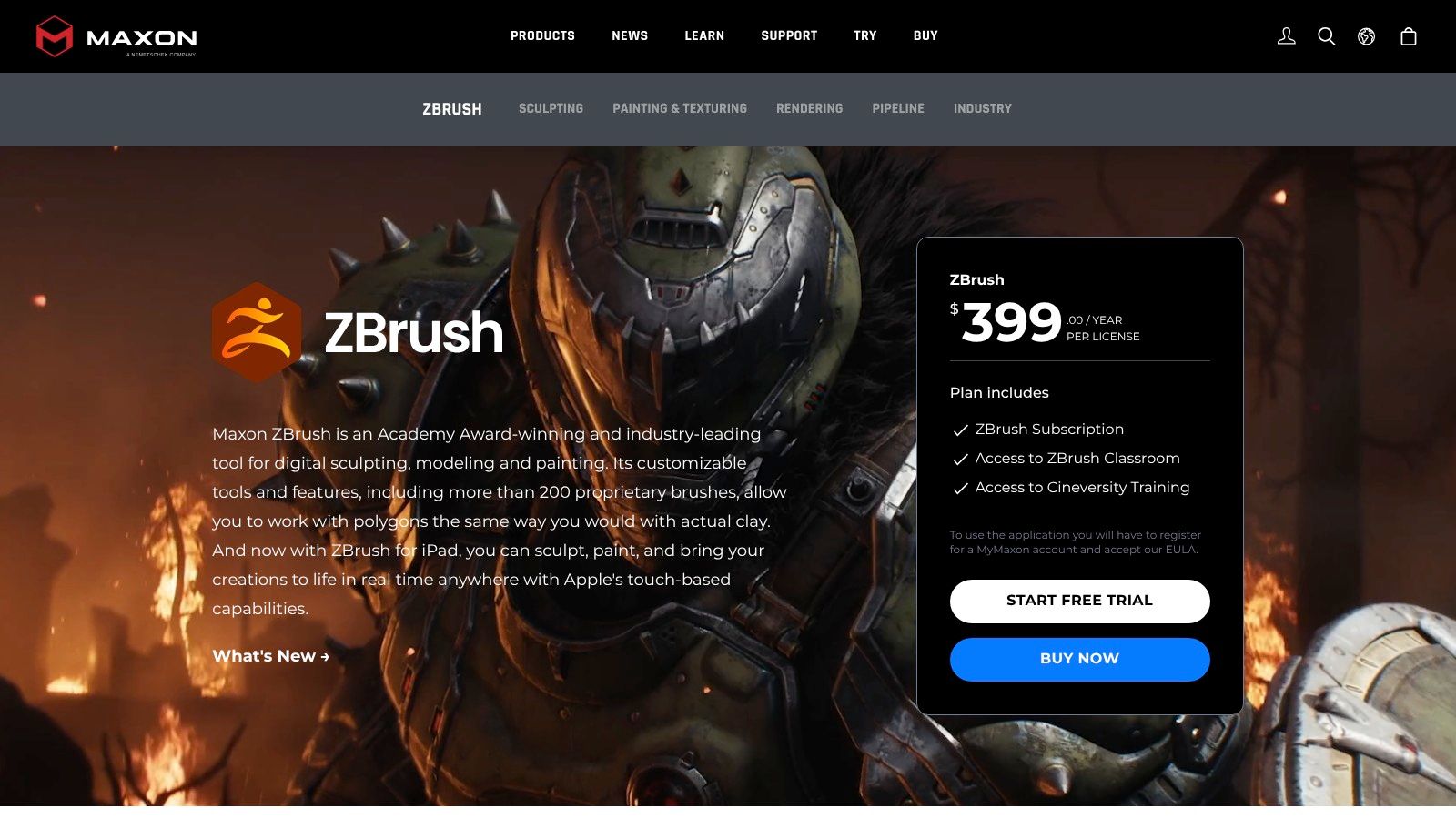
For production workflows, ZBrush serves as the high-resolution authoring tool where the definitive artistic details are established. Tools like DynaMesh and ZRemesher provide unparalleled freedom in the concepting phase and powerful, automated solutions for creating animation-ready topology from dense sculpts. The Polypaint feature allows for direct-on-model texturing, further streamlining the asset creation process before it moves to other pipeline stages.
Key Considerations & Use Cases
ZBrush excels where intricate surface detail is paramount. Its brush-based system feels intuitive to artists with a traditional sculpting background, enabling rapid iteration on character faces, creature anatomy, and hard-surface detailing. While not a full-suite animation package, its primary role is to create the foundational high-poly mesh that is later optimised for animation or real-time use.
- Ideal Use-Cases: High-resolution character and creature sculpting; concept art; digital maquettes for film and games; 3D printing and collectible design.
- Licensing: Available via a subscription model. A monthly subscription is approximately £35, with an annual plan at around £347. It is also included in the comprehensive Maxon One bundle.
- Learning Curve: The unique user interface and workflow present a steep learning curve for those accustomed to traditional 3D software, but it is highly efficient once mastered.
- Ecosystem: Integrates tightly with other 3D applications through GoZ functionality and supports broad export options, cementing its place as a specialist tool within larger production pipelines.
Website: https://www.maxon.net/en/zbrush
6. SideFX Houdini
SideFX Houdini distinguishes itself from other 3D modeling programs through its completely procedural, node-based workflow. This approach is exceptionally powerful for creating complex visual effects, simulations, and scalable assets where changes can be propagated non-destructively. While renowned for its world-class FX tools (dynamics, fluids, particles), its procedural modeling capabilities offer unparalleled control and flexibility for technical artists and studios building complex pipelines.
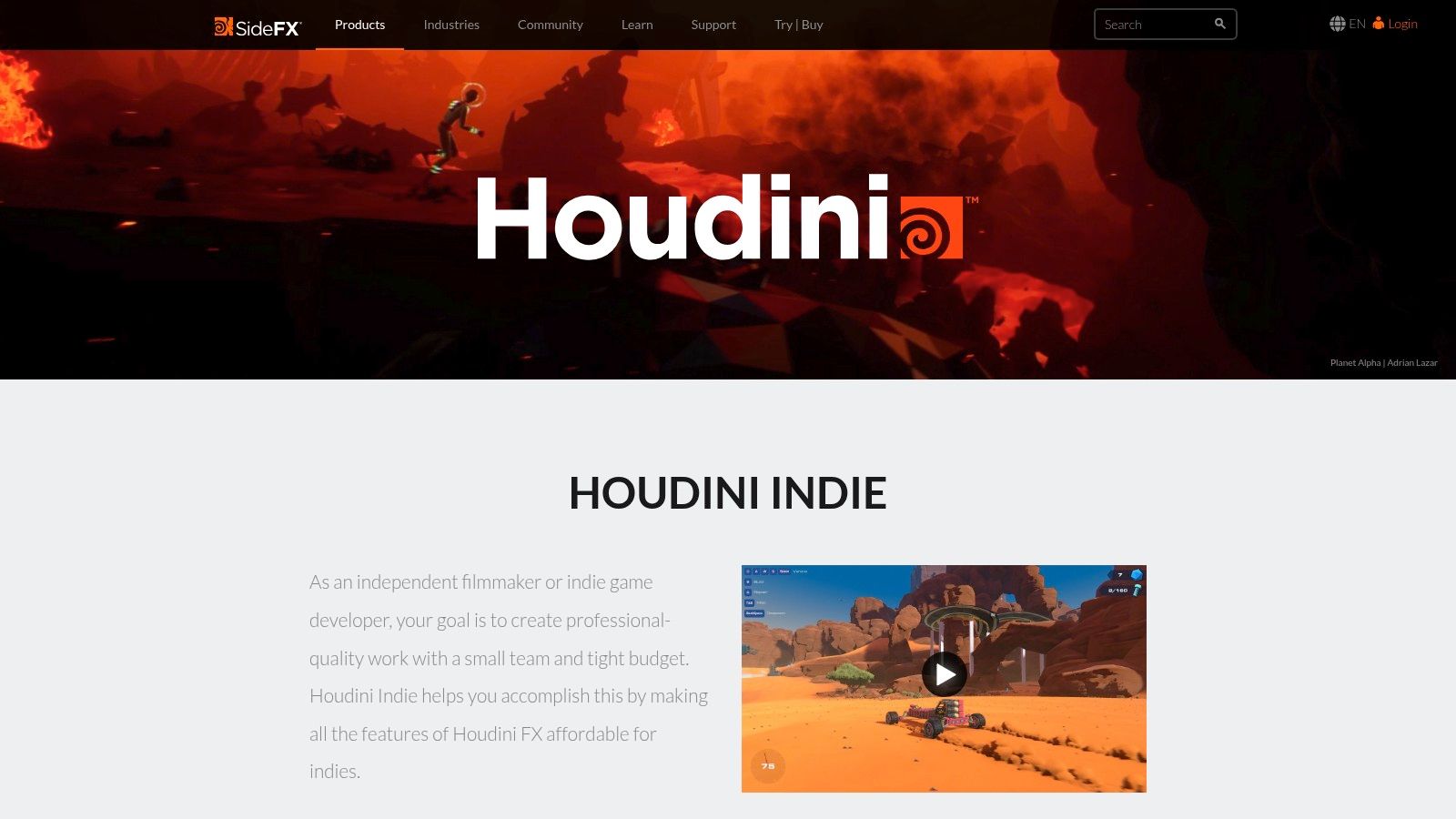
For production teams, the key benefit is the ability to create digital assets that can be easily modified and varied. Using the Houdini Engine, these procedural assets can be packaged and used inside other applications like Unreal Engine or Unity, allowing game artists to generate variations of architecture, environments, or props directly in the editor without needing deep knowledge of Houdini itself.
Key Considerations & Use Cases
Houdini's procedural nature makes it a formidable tool for tasks that require complex systems and iteration. Rather than manually modeling a single object, artists build a network of nodes that defines the rules for creating that object, allowing for endless, art-directable variations. This makes it a go-to for environment creation, intricate hard-surface models, and, of course, cinematic visual effects.
- Ideal Use-Cases: Procedural asset generation for games; complex visual effects (destruction, smoke, fire, fluids); motion graphics; technical and scientific visualisation.
- Licensing: An affordable "Indie" licence is available for freelancers and small studios (under $100k annual revenue) for around £225 per year. Commercial "FX" licences for larger studios are significantly more expensive, starting at approximately £3,800 annually.
- Learning Curve: Extremely steep. Its non-standard, node-based paradigm requires a fundamental shift in thinking compared to traditional 3D applications.
- Ecosystem: Strong integration with major game engines via the Houdini Engine. Supports a wide array of third-party renderers like Redshift, Octane, and Arnold alongside its native Karma renderer.
Website: https://www.sidefx.com/products/houdini-indie/
7. SketchUp (Trimble)
SketchUp has established itself as a go-to tool for rapid conceptual modelling, particularly within the architecture, engineering, and construction (AEC) sectors. Praised for its intuitive push-pull methodology, it allows designers to quickly translate ideas into 3D forms, making it one of the most accessible 3D modeling programs for beginners. Its strength lies in its speed for iterating on architectural designs, interior layouts, and product concepts.
The platform's power is significantly amplified by its ecosystem. The 3D Warehouse provides a vast library of pre-made models, from furniture to foliage, drastically accelerating the scene-dressing process. Furthermore, the Extension Warehouse offers a wide range of plugins that extend SketchUp's core functionality, enabling advanced rendering with tools like V-Ray, parametric modelling, and specialised workflows for different industries.
Key Considerations & Use Cases
SketchUp excels in the early stages of design where speed and ease of use are paramount. The LayOut application, included with paid plans, seamlessly turns 3D models into professional 2D documentation like plans and elevations, a critical workflow for architects. While not designed for complex character animation or high-end VFX, its utility in visualisation is undeniable, especially for production teams needing to quickly mock up environments or sets.
- Ideal Use-Cases: Architectural visualisation; interior design; landscape architecture; urban planning; conceptual product design; set design and construction documentation.
- Licensing: Tiered subscription model. A free, web-only version is available. Paid plans like "Go" (approx. £95/year) add desktop and iPad access, while "Pro" (approx. £269/year) includes LayOut and extensions. The "Studio" tier adds V-Ray and point-cloud tools.
- Learning Curve: Very low. Its intuitive interface and simple toolset mean new users can become productive in a matter of hours, not weeks.
- Ecosystem: Supported by a massive community, extensive online tutorials, and the invaluable 3D Warehouse and Extension Warehouse, making it easy to find resources and expand its capabilities.
Website: https://sketchup.trimble.com/en/plans-and-pricing/
8. Rhinoceros (Rhino 3D) by McNeel
Rhinoceros, commonly known as Rhino 3D, is a dominant force in industrial design, architecture, and product manufacturing. Its foundation is built on Non-Uniform Rational B-Splines (NURBS) geometry, which allows for the creation of mathematically precise and free-form curves and surfaces. This makes it one of the most versatile 3d modeling programs for projects where accuracy is paramount, from intricate jewellery to architectural façades.
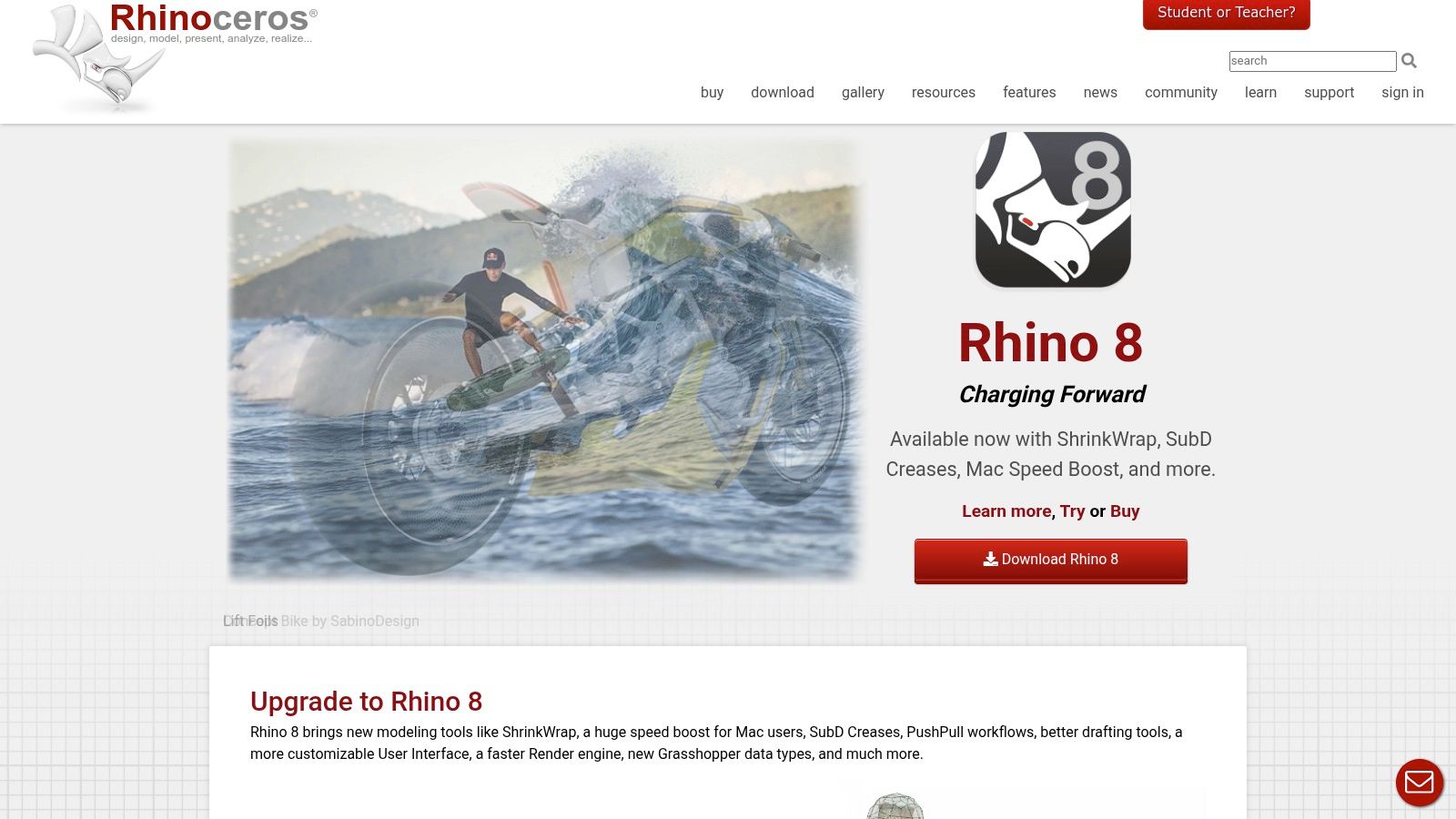
The integration of Grasshopper, a visual programming environment, elevates Rhino from a standard modeler to a powerful parametric design tool. This allows designers and engineers to build generative algorithms and explore complex design variations without manual remodelling. Its excellent file interoperability, handling formats like STEP, IGES, and DWG, ensures it fits smoothly into engineering and production pipelines, serving as a critical bridge between conceptual design and manufacturing.
Key Considerations & Use Cases
Rhino's strength lies in its ability to handle complex geometry with precision, making it indispensable for product design and fabrication. The workflow from Rhino to manufacturing processes like 3D printing or CNC milling is exceptionally streamlined. For studios involved in producing complex product animations, Rhino provides an accurate base model essential for high-quality technical visualisation.
- Ideal Use-Cases: Product design and engineering; architecture and fabrication; jewellery design; marine design; concept modelling for hard-surface assets.
- Licensing: Perpetual license. A single-user commercial license costs approximately £995, offering significant long-term value compared to subscription models.
- Learning Curve: Moderate. The core modelling tools are intuitive for those with a CAD background, though mastering Grasshopper requires a dedicated effort.
- Ecosystem: Supported by a vast array of specialised plugins for rendering (V-Ray, KeyShot), parametric architecture (VisualARQ), and other industry-specific tasks.
Website: https://www.rhino3d.com/
9. Autodesk Fusion (Fusion)
Autodesk Fusion is an integrated CAD, CAM, CAE, and PCB software platform designed to unify design, engineering, electronics, and manufacturing into a single cloud-based environment. It bridges the gap between conceptual design and physical production, making it a powerful choice for product development, industrial design, and mechanical engineering. Its strength lies in its comprehensive, all-in-one workflow that streamlines the journey from prototype to manufactured part.
For collaborative teams, Fusion’s cloud-native architecture is a significant advantage, providing built-in version control, data management, and real-time collaboration tools. This eliminates common data transfer issues between different software packages and ensures everyone is working from the most current design iteration, a crucial factor for efficient product lifecycle management.
Key Considerations & Use Cases
Fusion excels in workflows that require a seamless transition from 3D modeling to real-world manufacturing. Its integrated CAM capabilities allow users to generate toolpaths for CNC machining directly from their models, while its simulation tools enable stress testing and analysis before any material is cut. This makes it an ideal solution for professionals developing consumer products, machine parts, and electronic enclosures.
- Ideal Use-Cases: Product design and development; mechanical engineering; CNC machining (CAM); electronic and PCB design integration; technical 3D animation for industrial visualisation.
- Licensing: Subscription-based, with paid tiers for commercial use and a generous free license for personal, hobbyist, and non-commercial projects. An annual commercial subscription costs approximately £564.
- Learning Curve: More accessible than traditional engineering CAD software. Its user interface is modern and intuitive, though mastering the CAM and simulation aspects requires dedicated learning.
- Ecosystem: Features an integrated app store with various extensions that add specialised functionality, such as advanced simulation, generative design, and manufacturing process management.
Website: https://www.autodesk.com/products/fusion/overview
10. Foundry Modo
Foundry Modo is a versatile 3D content creation tool celebrated for its artist-centric approach and powerful direct modelling toolset. It has long been favoured by designers and artists for its fast, tactile workflow, particularly in subdivision surface modelling and conceptual design. The inclusion of procedural systems and the advanced MeshFusion boolean toolkit allows for a flexible workflow that merges direct artistic control with non-destructive operations.
Modo's strength lies in its unified environment, which combines modelling, sculpting, texturing, rendering, and animation into a single cohesive package. This integration makes it an efficient choice for individual artists and small teams who need to move quickly from concept to final render without switching between different 3d modeling programs. The extensive ecosystem of kits and presets further streamlines specialised tasks like product visualisation.
Key Considerations & Use Cases
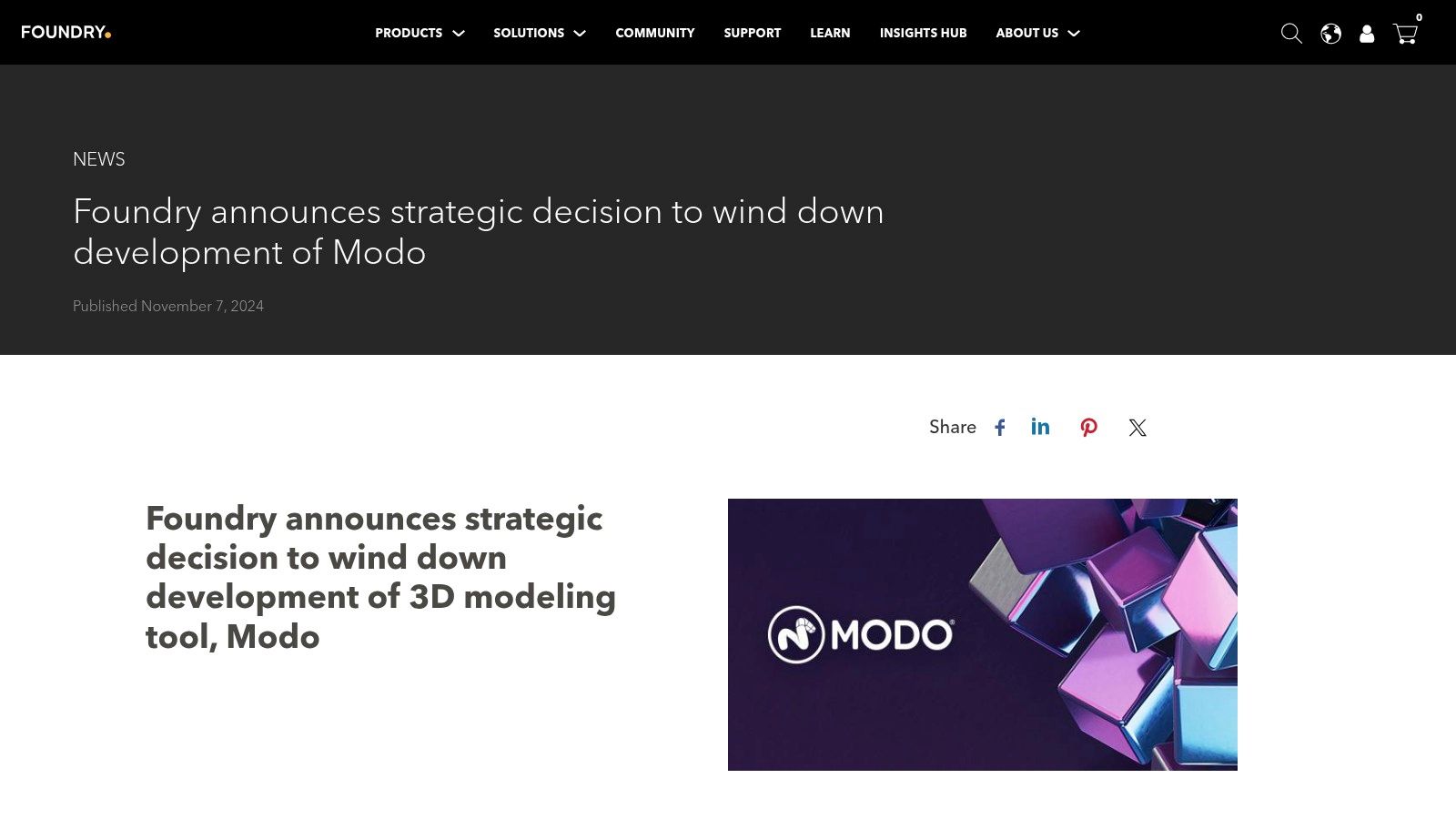
Despite its powerful features, prospective users should be aware that Foundry has announced a pause in active development for Modo beyond version 17.1. While the software remains a capable tool, this raises questions about its long-term viability and support within a production pipeline, particularly for teams reliant on continuous updates and feature advancements.
- Ideal Use-Cases: Product design and visualisation; concept art; hard-surface and subdivision modelling; game asset creation, especially by individual artists.
- Licensing: Available as a subscription or a perpetual licence. A perpetual licence for Modo Maintenance is approximately £549 per year, while new perpetual licences are around £1,655. Subscription options are also available.
- Learning Curve: Moderately difficult. The interface is more approachable than some competitors, but mastering its deep toolset requires dedication.
- Ecosystem: While powerful, its future development is uncertain. Agencies should evaluate if its current feature set meets long-term project needs without guaranteed future updates.
Website: https://www.foundry.com/products/modo
11. Shapr3D
Shapr3D brings professional-grade CAD capabilities to a pen-first, multi-platform environment, excelling in rapid conceptualisation and product design. Originally designed for the iPad and Apple Pencil, it offers an intuitive sketch-to-solid workflow that allows designers to move from a 2D drawing to a 3D model with remarkable speed. Its expansion to macOS, Windows, and visionOS with cross-platform sync ensures a seamless workflow from mobile ideation to desktop refinement.
For agencies and production teams, Shapr3D is an excellent tool for initial client presentations and quick iterations. The built-in AR viewer and secure review links enable stakeholders to visualise and comment on designs in a tangible way without needing specialised software. This feedback loop is significantly accelerated, making it a valuable asset in the early stages of product visualisation and industrial design projects.
Key Considerations & Use Cases
Shapr3D’s core strength is its direct, tactile modelling experience, which feels more like sketching than traditional CAD. This makes it one of the most accessible yet powerful 3d modeling programs for designers who prioritise speed and ease of use. Its broad import and export compatibility, including formats like STEP, IGES, and SLDPRT, ensures it can slot into more extensive engineering and manufacturing pipelines.
- Ideal Use-Cases: Rapid product concepting; industrial design sketches; client presentations with AR; creating 3D printable models; early-stage engineering mock-ups.
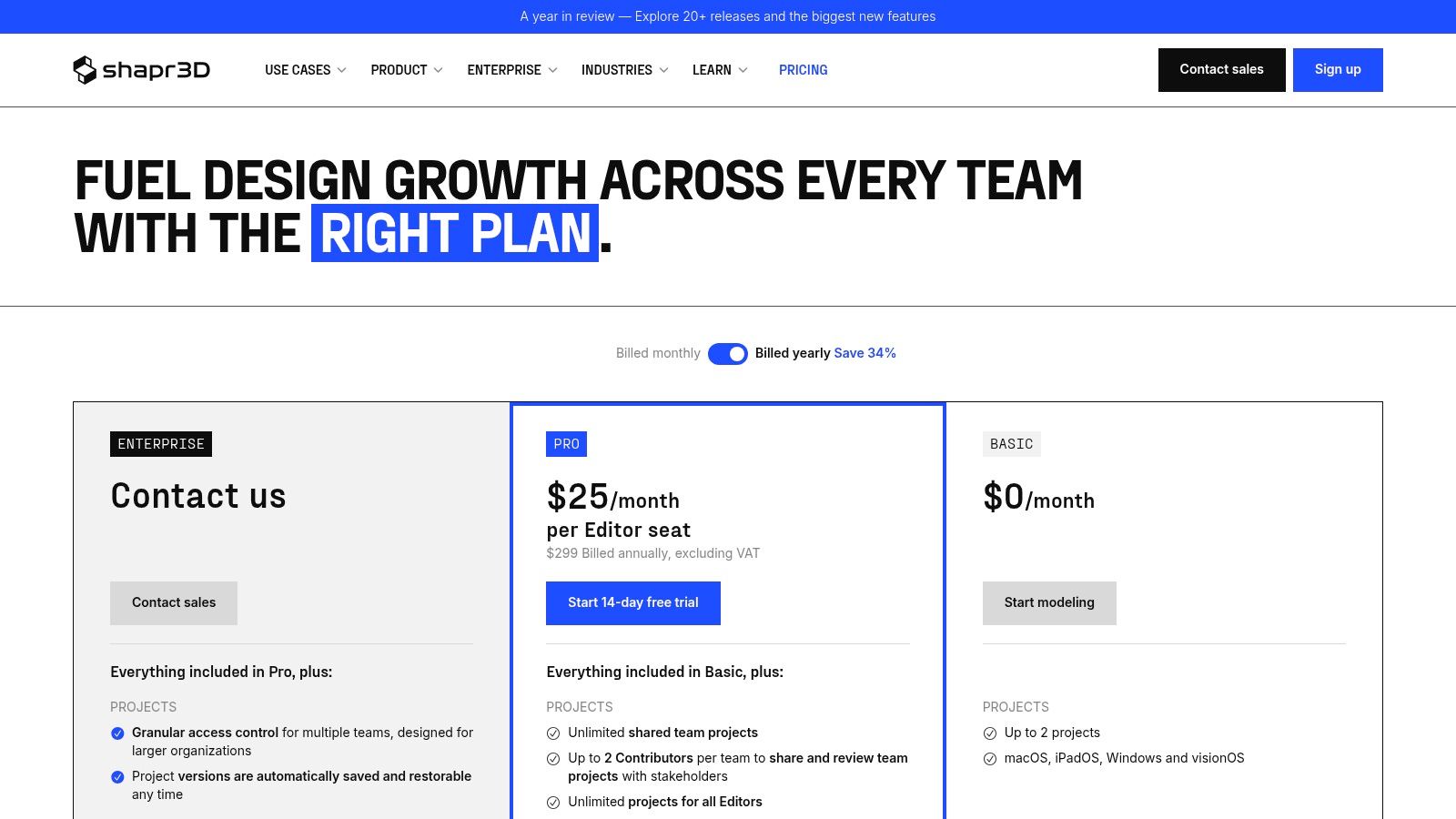
- Licensing: Subscription-based. A free version is available with limited exports and projects. The Pro plan, which unlocks full functionality, is priced at around €55 per month or approximately €449 annually.
- Learning Curve: Very low. The touch and pen-first interface is highly intuitive, making it easy for new users to become productive quickly.
- Ecosystem: Integrates well with traditional CAD software through robust file support. Its primary value is as a front-end ideation tool that feeds into more complex production environments.
Website: https://www.shapr3d.com/pricing
12. 3DCoat by Pilgway
3DCoat carves a unique niche as a specialised, all-in-one digital sculpting and texturing suite. Unlike broader 3D modeling programs, its strength lies in an integrated workflow designed to take a sculpted concept from a raw block of digital clay to a fully textured, game-ready asset with minimal friction. Its combination of voxel and surface sculpting, alongside industry-leading retopology and UV tools, makes it a powerhouse for asset creation.
For production teams, particularly in game development, 3DCoat excels as a "finishing" application. An artist can sculpt a high-poly character, use the powerful Auto-Retopo or manual tools to create an optimised low-poly mesh, unwrap the UVs, and paint PBR materials all within the same environment. This streamlined process significantly accelerates the creation of assets destined for engines like Unreal or Unity.
Key Considerations & Use Cases
The primary advantage of 3DCoat is its focused, cohesive toolset for organic and hard-surface asset creation. The voxel sculpting approach offers immense freedom without the topological constraints of traditional polygon modeling, while the Smart Materials system simplifies complex texturing tasks. Its licensing flexibility also makes it highly accessible for smaller studios and freelancers.
- Ideal Use-Cases: Digital sculpting; game asset creation; concept art; retopology of 3D scans and high-poly models; PBR texture painting; UV unwrapping.
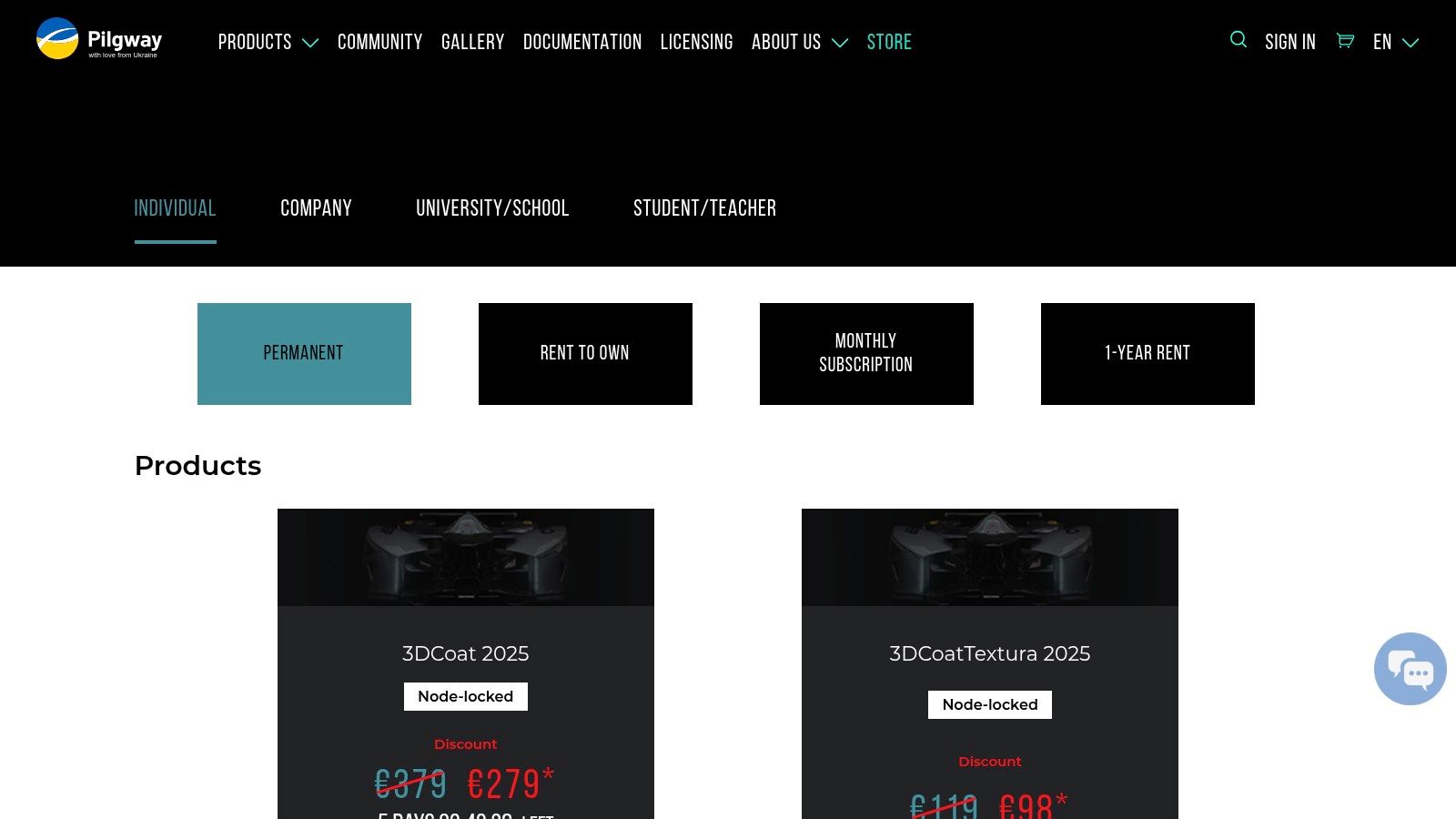
- Licensing: Highly flexible. Offers perpetual licences (from ~$468), subscriptions (monthly/annual), and a rent-to-own model, providing multiple entry points.
- Learning Curve: The user interface and workflow differ from mainstream DCC applications, which can present a learning curve for experienced artists coming from other software.
- Ecosystem: While not as vast as suites like Maya or Blender, it has strong interoperability through app-links and supports standard file formats, ensuring it fits well into most pipelines.
Website: https://pilgway.com/store
Top 12 3D Modeling Programs Comparison
| Tool | Core strengths | Best for (Target) | Workflow & integration | Licensing / Price |
|---|---|---|---|---|
| Autodesk Maya | Advanced modeling, rigging, character animation, Bifrost FX | Character/animation pipelines, VFX studios | USD, Arnold, ShotGrid, Unreal/Unity bridges; strong scripting (MEL/Python) | Subscription — higher TCO |
| Autodesk 3ds Max | Fast polygonal/spline modeling, modifiers, plugin ecosystem | Archviz, product design, motion graphics | Bundled Arnold; strong CAD/Revit/DWG interoperability; Windows-focused | Subscription; Windows-centric |
| Blender | Full DCC: modeling, sculpt, Geometry Nodes, Cycles/Eevee | Indie studios, freelancers, zero-cost production | Large add-on community; compositor, Grease Pencil; pipeline fit varies | Free, open-source |
| Maxon Cinema 4D | MoGraph, motion-design tools, artist-friendly UI, Redshift | Motion graphics, broadcast, fast-turnaround teams | Tight Adobe & Unreal integration; Cineversity training | Subscription |
| Maxon ZBrush | High-res sculpting (DynaMesh, ZRemesher), Polypaint | Character/creature sculpt, concept art | Desktop & iPad; strong export/retopo workflows; part of Maxon One | Subscription/Maxon bundle changes |
| SideFX Houdini | Node-based procedural modeling & FX; scalable assets | VFX, procedural assets, complex simulations | Houdini Engine, Karma/Mantra, third‑party renderers; Indie license available | Commercial + affordable Indie plan |
| SketchUp (Trimble) | Rapid conceptual modeling; large 3D Warehouse | Architecture, interiors, quick concepting & client reviews | Web/iPad/desktop apps; Studio adds Revit importer, point-cloud, V-Ray | Tiered plans — advanced tools in higher tiers |
| Rhinoceros (Rhino 3D) | Precise NURBS, SubD, Grasshopper parametrics | Product design, industrial, jewelry, precision visualization | Wide file I/O (STEP/IGES/DWG/FBX/USD); excellent interoperability | Perpetual license options |
| Autodesk Fusion (Fusion) | Integrated CAD/CAM/CAE, simulation, cloud collaboration | Prototype-to-production, product/industrial design | Cloud data/versioning, CAM toolpaths, PCB & generative tools | Subscription; personal/startup free tiers exist |
| Foundry Modo | Tactile poly/SubD modeling, MeshFusion booleans | Fast modeling for design & visualization artists | Strong viewport, presets/kits; supports direct & procedural workflows | Commercial license; development pace has slowed |
| Shapr3D | Pen-first sketch-to-solid workflow; rapid concepting | iPad concepting, client reviews, quick iterations | Cross-platform sync (iPad/macOS/Windows), AR viewer, STEP/IGES exports | Freemium with paid Pro plans |
| 3DCoat (Pilgway) | Voxel & surface sculpting, retopo, UVs, PBR painting | Asset creation for games & film; texturing & retopo handoff | Integrated retopo/UV/paint pipeline; multiple license models | Multiple licensing options (incl. perpetual) |
Choosing the Right Tool for Your Production Pipeline
The journey through the expansive world of 3D modeling programs reveals one undeniable truth: there is no single "best" software. Instead, the landscape is a rich ecosystem of specialised tools, each honed for specific tasks, workflows, and production environments. The ideal choice for your agency or creative team hinges not on finding a mythical all-in-one solution, but on strategically selecting the right tool for the right job. Our detailed exploration of applications from Autodesk Maya to 3DCoat demonstrates that true production power comes from understanding these distinctions.
For agencies focused on high-end character animation for advertising, Maya’s dominance is well-earned, offering an unparalleled toolset for rigging and animation. Conversely, teams producing rapid-turnaround motion graphics for corporate clients will find Cinema 4D’s intuitive workflow and MoGraph module to be a significant advantage. The rise of Blender as a completely free, yet incredibly powerful, alternative has democratised the entire industry, providing a zero-cost entry point for startups and a viable pipeline contender for established studios alike.
Strategic Selection for Your Agency's Focus
Making an informed decision requires a clear-eyed assessment of your primary service offerings and project requirements. Your team must move beyond feature lists and consider the practical implications of integrating a new tool into your existing pipeline.
Key considerations should include:
- Core Business Needs: What type of content constitutes the bulk of your work? If you primarily serve industrial or medical clients, the precision of a NURBS-based modeler like Rhino or a CAD-focused program like Fusion is non-negotiable for creating accurate technical visualisations. For architectural and real estate agencies, tools like 3ds Max and SketchUp offer streamlined workflows perfect for projects like creating rendered floor plans and immersive virtual tours.
- Team Expertise and Learning Curve: Do you have specialists on staff, or do you need a tool that generalists can adopt quickly? The steep learning curve of a node-based, procedural powerhouse like Houdini is a significant investment, but it unlocks unparalleled capabilities for complex VFX that no other software can match. A more straightforward application like Shapr3D, on the other hand, allows for rapid concepting on accessible hardware like an iPad.
- Pipeline Integration and Interoperability: How well does a new program play with your existing software suite? Consider file format compatibility, plugin availability, and rendering engine support. A seamless pipeline, where assets move effortlessly from modeling to sculpting with ZBrush, texturing, and final rendering, is the cornerstone of an efficient and profitable production process.
- Budget and Licensing Models: The financial commitment is a critical factor. Subscription models from Autodesk and Maxon require ongoing investment, whereas a perpetual licence for a tool like Foundry Modo might be more appealing for long-term budget planning. Blender, of course, removes this barrier entirely.
Building a Flexible and Future-Proof Pipeline
The most successful studios rarely rely on a single piece of software. They build a flexible, hybrid pipeline that leverages the core strengths of multiple 3d modeling programs. A typical workflow might involve initial block-outs in Modo, detailed sculpting in ZBrush, retopology and animation in Maya, and final rendering in a third-party engine. This modular approach ensures that your artists are always equipped with the best possible tool for each stage of production.
Ultimately, choosing the right software is about empowering your team to bring creative visions to life with maximum efficiency and quality. By carefully analysing your project needs, assessing your team's skills, and understanding the unique strengths of each application we've covered, your agency can build a formidable production pipeline. This strategic investment in your toolset is an investment in your creative potential, enabling you to tackle more ambitious projects and deliver exceptional results for your clients.
Navigating the complex world of 3D production can be challenging, but you don't have to do it alone. At Simple Frame, we leverage a diverse suite of these leading 3D modeling programs to create stunning animations and visual content for a global client base. If you're ready to elevate your brand's visual storytelling, visit Simple Frame to see how our expertise can bring your vision to life.
 English
  Polish
  German